Find your collection
Browse the catalogue by category and manufacturer. Search helps you get to the series you are looking for.
✳ Stickers. Cards. Inserts.
The things you have collected for years deserve a little order. Find your collections, mark your items and always know what is still missing.
An iOS version is in development
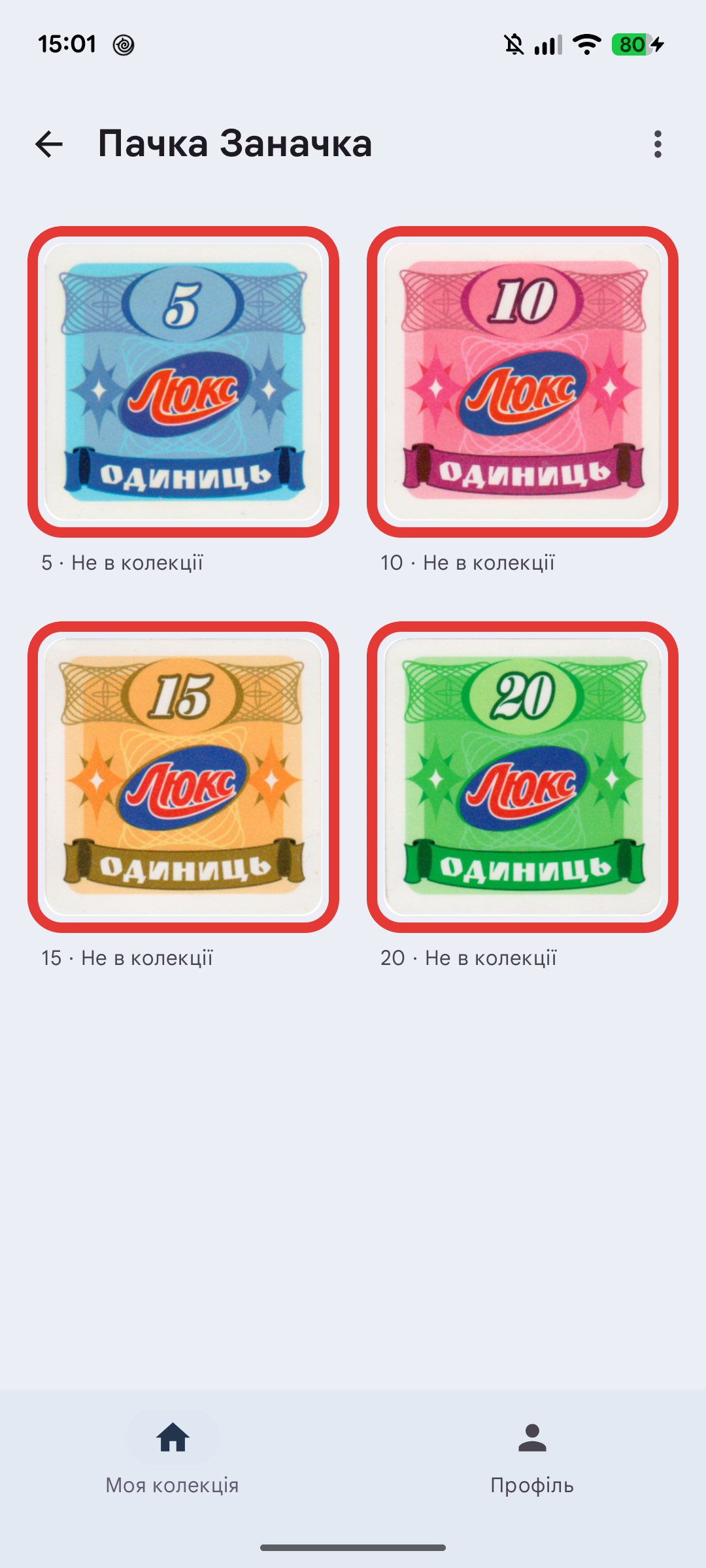
Android test version interface
A place for your passion
Browse the catalogue by category and manufacturer. Search helps you get to the series you are looking for.
See what is in your collection, what is on the way and what you still want to find or upgrade.
Keep collections in your favourites and create collages of selected items in the mobile app.
The details matter
An item’s status and its extra marker are separate. Track your finds, plan upgrades and leave your own notes.
Notes, collages and some settings depend on the platform and version.
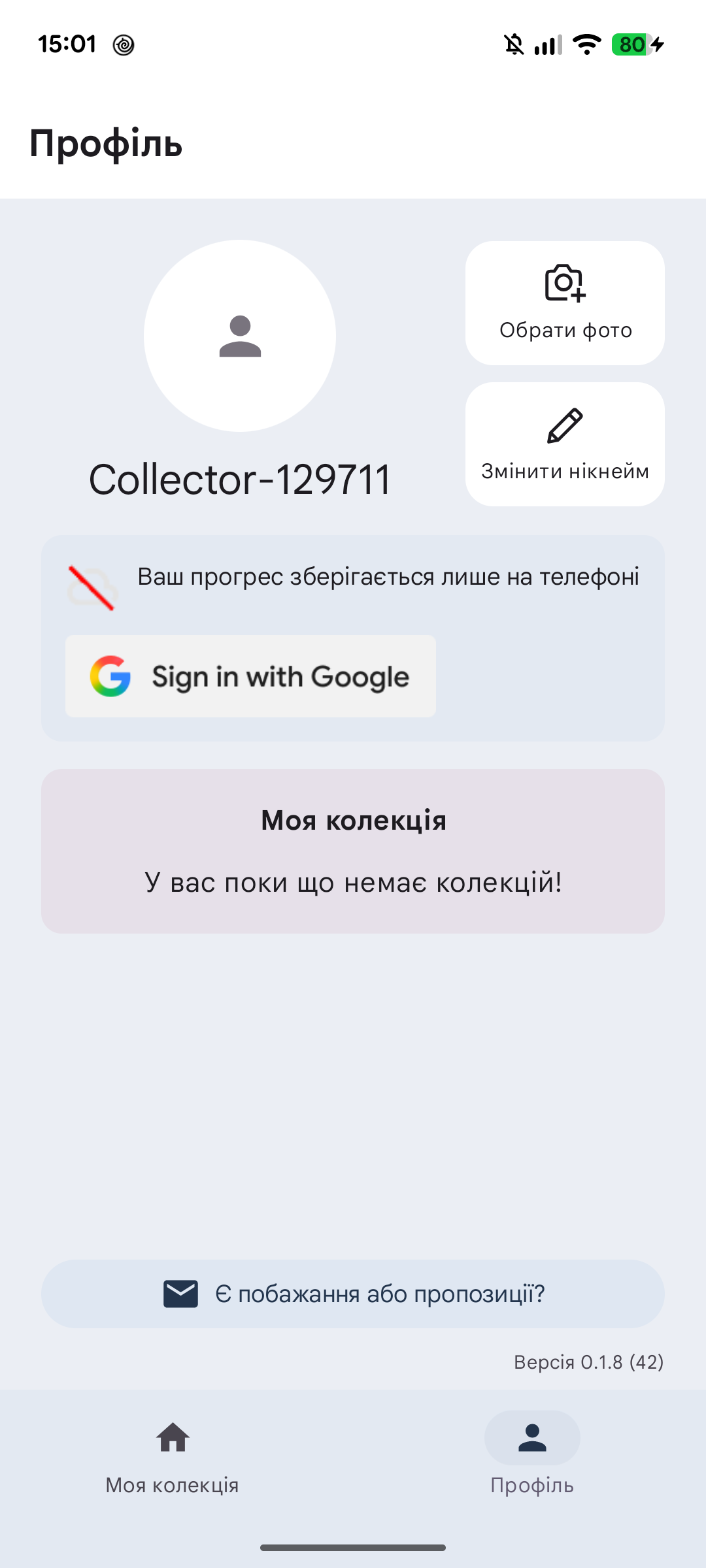
In test versions, Google sign-in lets you save progress in the cloud and carry it between devices. You can also track a collection locally without an account.
How your data is handledCollections, statuses, markers, favourites, nickname, avatar and notes sync in versions that support note sync. Display preferences stay local.
FAQ
No account is needed for local tracking. Google sign-in enables cloud sync in versions where that feature is available.
Downloading and updating the catalogue and photos, cloud sync and support require connectivity. Collections already downloaded in the mobile app can be viewed locally.
No. Signing out returns to a separate guest copy. Account data remains in the cloud and a local archive. Use the account deletion instructions to request deletion.
Let’s talk
Send us a message. We will help you find your way and take a look at your suggestion.